Drum Programming 101: Craft Killer Beats Like a Pro
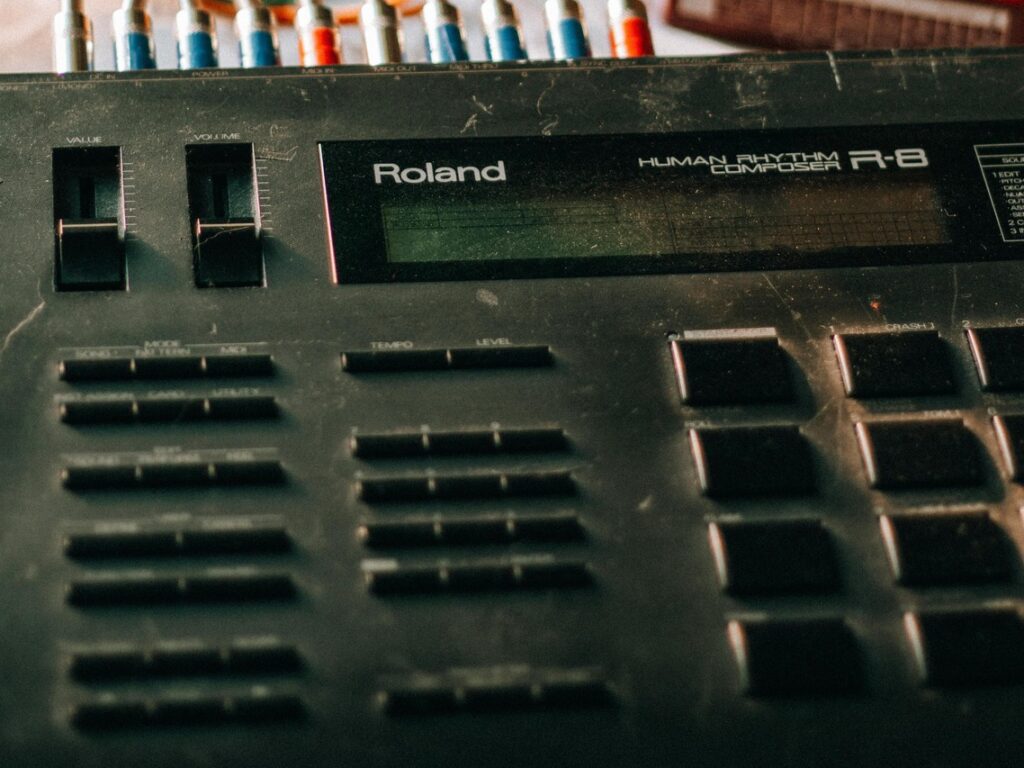
Drum programming is the art of creating drum patterns in music production. It’s the backbone of many genres, driving the rhythm and energy of your tracks. Whether you’re into hip hop, EDM, pop, or rock, mastering drum programming is essential for crafting infectious grooves and head-bobbing beats.
Why Drum Programming Matters
Great drum programming can make or break a song. It sets the mood, builds excitement, and keeps listeners hooked. Think of iconic drum patterns like the Amen break in jungle or the TR-808 beats in hip hop. These rhythms have shaped entire genres.
Tools of the Trade
- DAW (Digital Audio Workstation): Your music production software is the hub for drum programming. Popular DAWs include Ableton Live, FL Studio, Logic Pro, and Cubase.
- Drum Samples or Virtual Instruments: You’ll need sounds to work with. This could be pre-recorded drum hits (samples) or software instruments that simulate drums (virtual instruments).
- Step Sequencer or Piano Roll: Most DAWs offer these tools to visually program drum patterns. Step sequencers are great for quick, rhythmic patterns, while piano rolls give you more detailed control over timing.
Getting Started: Basic Drum Programming Concepts
- Tempo and Time Signature: Set your tempo (speed) in beats per minute (BPM) and choose your time signature (e.g., 4/4, 3/4). This establishes the foundation for your rhythm.
- Core Drum Elements: Focus on the core drum sounds:
- Kick: The low-end thump that anchors your beat.
- Snare: The sharp crack that provides the backbeat.
- Hi-Hats: The sizzling sound that adds texture and rhythm.
- Build Your Pattern: Start simple. Place kick drums on the downbeats (1, 2, 3, 4) and snares on the offbeats (2 and 4). Add hi-hats on the offbeats and in between to create a basic groove.
Level Up: Advanced Drum Programming Techniques
- Swing and Groove: Add swing to make your drums sound more human and less robotic. Experiment with different swing settings to find the right feel.
- Ghost Notes: These are quieter notes that fill in the spaces between the main beats, adding subtlety and complexity to your rhythms.
- Fills and Variations: Break up the monotony with occasional fills (short bursts of notes) and variations in your drum patterns.
- Layering Sounds: Combine multiple samples of the same drum sound to create a thicker, more impactful sound.
- Automation: Use automation to change drum parameters like volume, pitch, and filter cutoff over time, adding dynamic movement to your beats.
Tips for Better Drum Programming
- Listen to Reference Tracks: Study the drum patterns in your favorite songs. Analyze how they’re structured and try to recreate them.
- Experiment and Explore: Don’t be afraid to try new things. Play around with different sounds, patterns, and techniques.
- Less is More: Start with a simple pattern and gradually add elements. Don’t overload your beats with too many sounds.
- Humanize Your Drums: Quantization is a useful tool, but don’t over-quantize your drums. Leave some imperfections for a more natural feel.